
WordPress notification plugins have evolved far beyond simple browser popups. Today, they can send real-time alerts via email, Slack, Discord, SMS, WhatsApp, web push notifications and automation platforms, helping businesses stay informed while keeping users engaged.
Whether you run a WooCommerce store, a blog, a membership website or manage multiple client sites, the right notification plugin can automate repetitive tasks, improve response times and streamline your workflows. The challenge is that not every plugin is built for the same purpose. Some focus exclusively on browser push notifications, while others provide a complete notification system with dozens of integrations and automation options.
In this guide, we’ve compared the 10 best WordPress notification plugins based on the criteria that matter most: features, integrations, pricing, ease of use, WooCommerce compatibility and scalability. Whether you’re looking for a simple notification bar or a powerful multi-channel notification platform, you’ll find the right solution here.
Last updated: August 2026
Quick Comparison of the Best WordPress Notification Plugins
Choosing the right WordPress notification plugin starts with understanding what you actually need. Some plugins specialize in browser push notifications, while others focus on email alerts, social proof popups or workflow automation. A few solutions combine several notification channels into a single platform, making them suitable for businesses with more advanced requirements.
Our comparison is based on the criteria that matter most when selecting a notification plugin:
| # | Plugin | Best For | Ideal Website | Free Version | Paid Plans From | Notification Types | WooCommerce | Integrations | Ease of Use | Rating |
|---|---|---|---|---|---|---|---|---|---|---|
| 1 | Notification Master | Complete notification management | WooCommerce stores, business websites, membership sites, agencies | ✅ | $48.99/year | Email, Push, SMS, WhatsApp, Slack, Discord, Webhooks | ✅ | ⭐⭐⭐⭐⭐ | ⭐⭐⭐⭐⭐ | ⭐⭐⭐⭐⭐ |
| 2 | PushEngage | Browser push notifications | Blogs, publishers, eCommerce stores | ✅ | ~$9/month | Browser Push | ✅ | ⭐⭐⭐⭐ | ⭐⭐⭐⭐ | ⭐⭐⭐⭐☆ |
| 3 | OneSignal | Push notifications at scale | Large websites, SaaS platforms, mobile apps | ✅ | Custom | Browser Push | ✅ | ⭐⭐⭐⭐ | ⭐⭐⭐ | ⭐⭐⭐⭐☆ |
| 4 | NotificationX | Social proof & sales notifications | WooCommerce stores, marketing websites | ✅ | ~$49/year | Popups & FOMO | ✅ | ⭐⭐⭐ | ⭐⭐⭐⭐ | ⭐⭐⭐⭐ |
| 5 | Webpushr | High-volume browser push notifications | Publishers, news websites, media | ✅ | ~$29/month | Browser Push | Limited | ⭐⭐⭐⭐ | ⭐⭐⭐⭐ | ⭐⭐⭐⭐ |
| 6 | Better Notifications for WP | Email notifications | Blogs, business websites | ✅ | Premium add-ons | Partial | ⭐⭐ | ⭐⭐⭐⭐ | ⭐⭐⭐☆ | |
| 7 | AutomatorWP | Workflow automation | Membership sites, LMS, advanced WordPress sites | ✅ | ~$149/year | Automated workflows | Via integrations | ⭐⭐⭐⭐⭐ | ⭐⭐⭐ | ⭐⭐⭐⭐ |
| 8 | FluentCRM | Email marketing automation | WooCommerce stores, membership sites, online businesses | ✅ | ~$129/year | ✅ | ⭐⭐⭐⭐ | ⭐⭐⭐⭐ | ⭐⭐⭐⭐ | |
| 9 | WPFront Notification Bar | Announcement bars | Business websites, landing pages | ✅ | ~$49/year | Notification Bar | ❌ | ⭐ | ⭐⭐⭐⭐⭐ | ⭐⭐⭐ |
| 10 | Easy Notification Bar | Lightweight notification bars | Small business websites, blogs and portfolio sites | ✅ | Free | Notification Bars | ❌ | None | ⭐⭐⭐⭐⭐ | ⭐⭐⭐ |
Pricing and features may change over time. Always check the official website before purchasing.Last reviewed: July 2026
The 10 Best Notification Plugins for WordPress
1. Notification Master
- Best for: Complete WordPress notification management
- Ideal website: WooCommerce stores, membership sites, business websites and agencies
- Free version: ✅ Yes
- Starting price: $48.99/year
- Notification types: Email, Browser Push, SMS, WhatsApp, Slack, Discord and Webhooks
- WooCommerce: ✅ Full support
- Integrations: Slack, Discord, Zapier, Make, Twilio, Webhooks, ACF, Facebook, X and Instagram
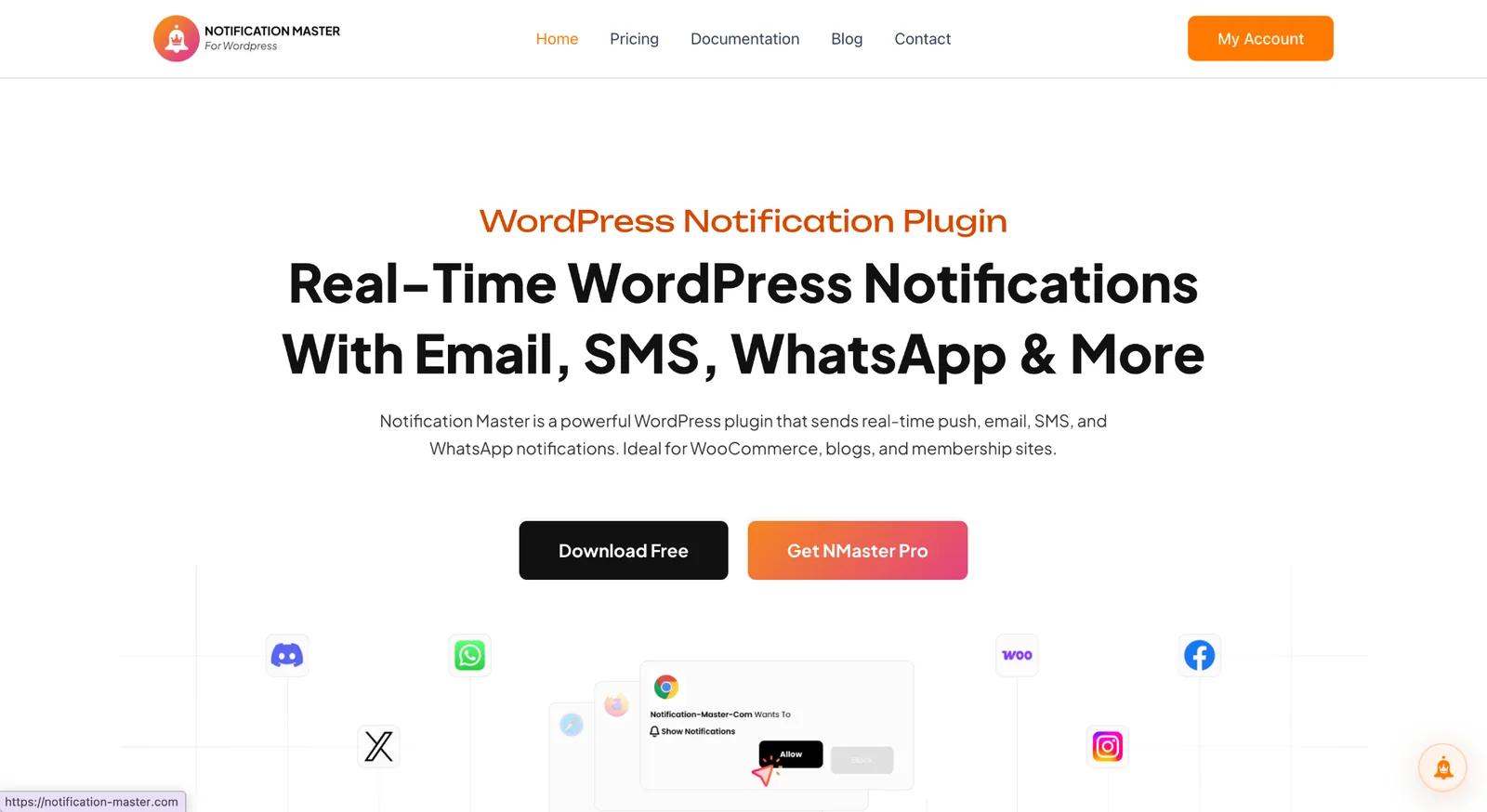
Notification Master is the most versatile plugin in this comparison because it isn’t limited to a single notification channel. It centralizes browser push notifications, emails, SMS, WhatsApp messages, Slack alerts, Discord notifications and webhooks into one platform, making it suitable for both customer communications and internal team workflows.
The plugin supports real-time notifications for blog posts, comments, WooCommerce orders, stock updates, product changes and custom field events. Conditional notifications and integrations with tools like Zapier, Make and Twilio allow businesses to automate complex workflows without relying on multiple plugins.
Whether you run a WooCommerce store, a membership website, a content-driven blog or manage multiple client websites, Notification Master offers an excellent balance of flexibility, automation and ease of use, making it our top recommendation for most WordPress users.
You can install Notification Master free from WordPress.org or compare the Pro plans.
2. PushEngage
- Best for: Browser push marketing
- Ideal website: Blogs, publishers and eCommerce websites
- Free version: ✅ Yes
- Starting price: ~$9/month
- Notification types: Browser Push
- WooCommerce: ✅ Yes
- Integrations: Shopify, WooCommerce and Zapier
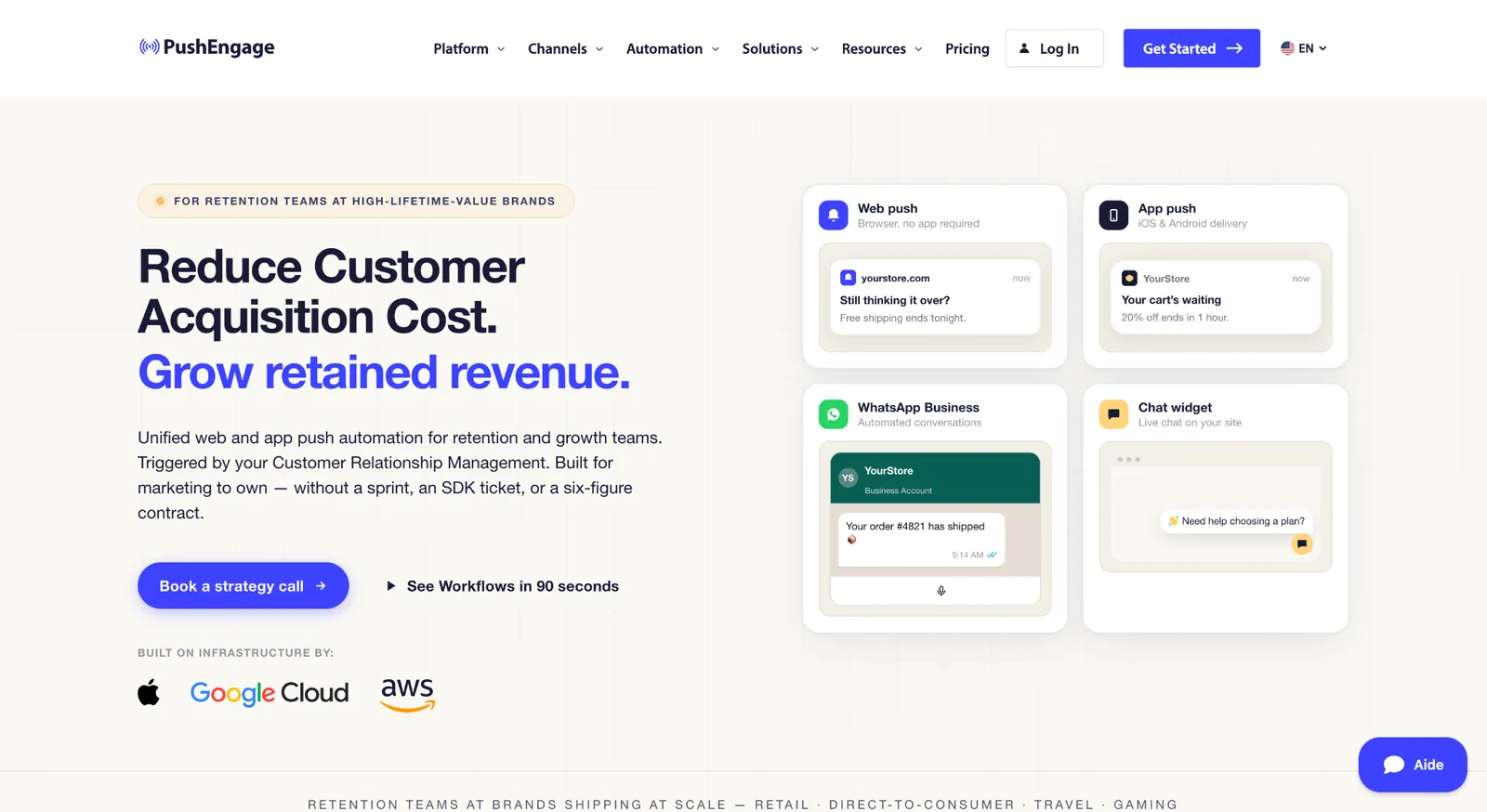
PushEngage is one of the most established browser push notification platforms for WordPress. It focuses primarily on marketing campaigns, helping website owners re-engage visitors through personalized push notifications, abandoned cart reminders and automated drip campaigns.
Its interface is beginner-friendly and offers audience segmentation, scheduling and analytics that make it particularly attractive for online stores and publishers looking to increase returning visitors.
Compared with Notification Master, PushEngage has a much narrower scope since it focuses almost exclusively on browser push notifications. Businesses looking for email, SMS, Slack or multi-channel notification workflows will likely require additional tools.
3. OneSignal
- Best for: Enterprise push notifications
- Ideal website: Large websites, SaaS platforms and mobile apps
- Free version: ✅ Yes
- Starting price: Custom pricing
- Notification types: Browser Push
- WooCommerce: ✅ Yes
- Integrations: WordPress, APIs and Mobile Apps
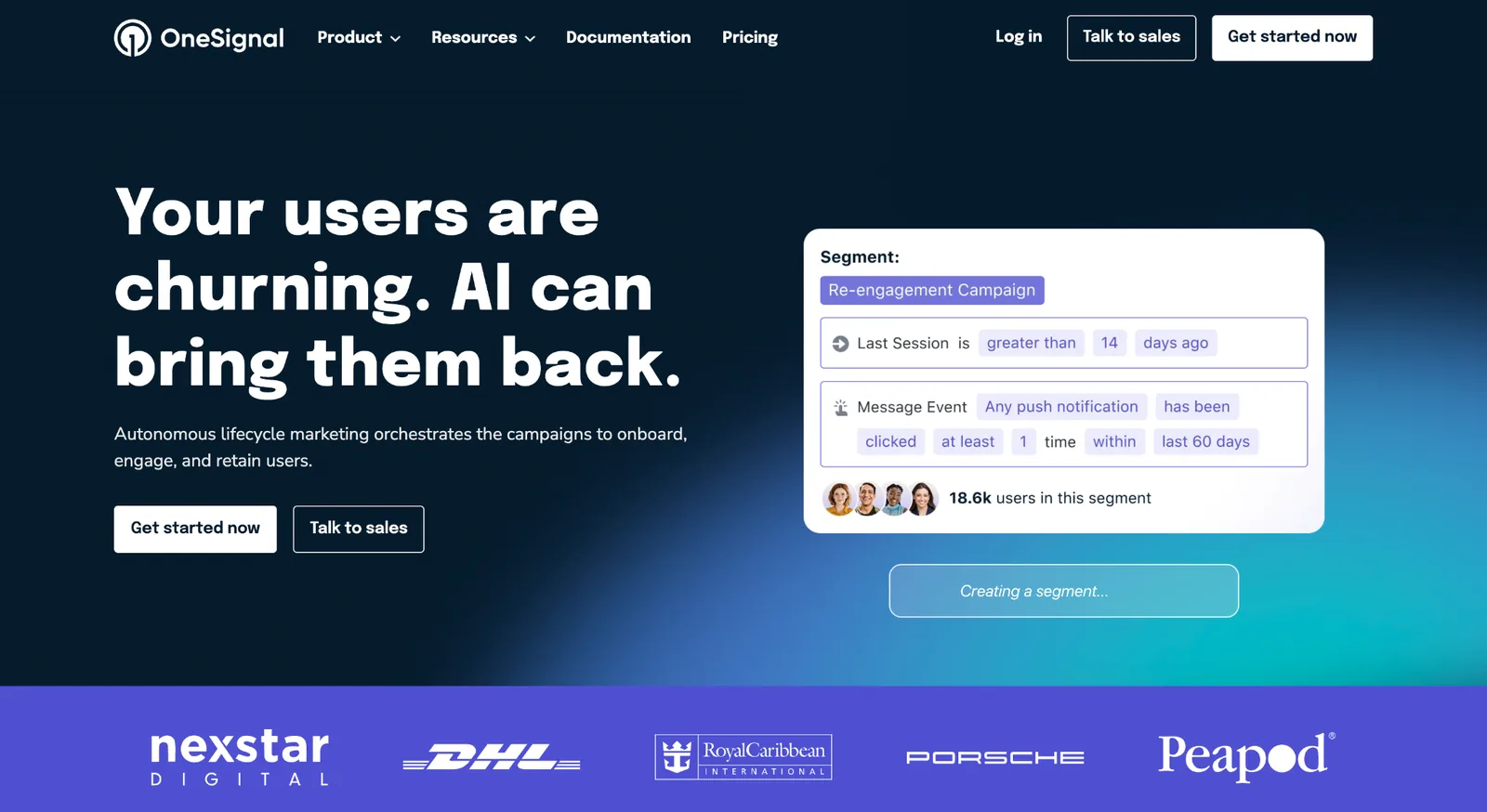
OneSignal is a well-known notification platform designed for websites, mobile applications and large-scale digital products. Its infrastructure is built to handle high notification volumes while offering advanced segmentation, analytics and developer APIs.
The platform works particularly well for businesses managing multiple applications or websites where browser and mobile push notifications are central to user engagement.
While OneSignal is extremely powerful, it remains primarily focused on push notifications. Users looking for broader WordPress automation, internal alerts or multi-channel communication may find more flexibility with platforms designed specifically for WordPress notification management.
4. NotificationX
- Best for: Social proof notifications
- Ideal website: WooCommerce stores and marketing websites
- Free version: ✅ Yes
- Starting price: ~$49/year
- Notification types: Sales popups and FOMO notifications
- WooCommerce: ✅ Yes
- Integrations: WooCommerce, Easy Digital Downloads and Elementor
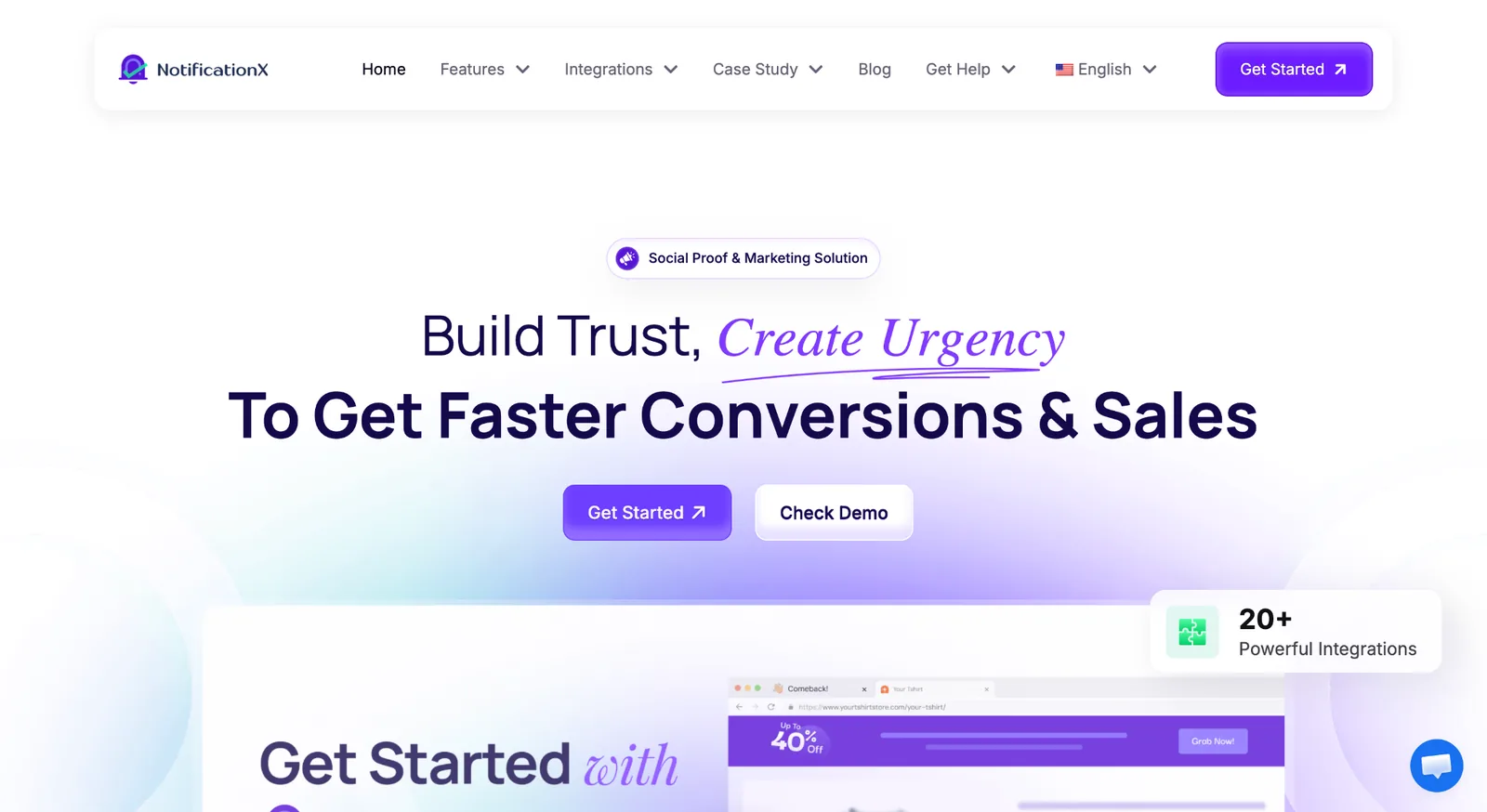
NotificationX takes a completely different approach by focusing on conversion optimization rather than operational notifications. Instead of sending alerts to teams or customers, it displays recent sales, reviews, downloads and other social proof notifications directly on your website.
The plugin integrates well with WooCommerce and several popular WordPress tools, making it a popular choice for businesses looking to increase trust and create urgency through FOMO marketing.
If your goal is managing notifications across multiple communication channels, NotificationX won’t replace a dedicated notification platform. It’s better viewed as a conversion optimization tool than a complete notification management solution.
5. Webpushr
- Best for: High-volume browser push notifications
- Ideal website: Publishers, news websites and media companies
- Free version: ✅ Yes
- Starting price: ~$29/month
- Notification types: Browser Push
- WooCommerce: Limited
- Integrations: WordPress and APIs
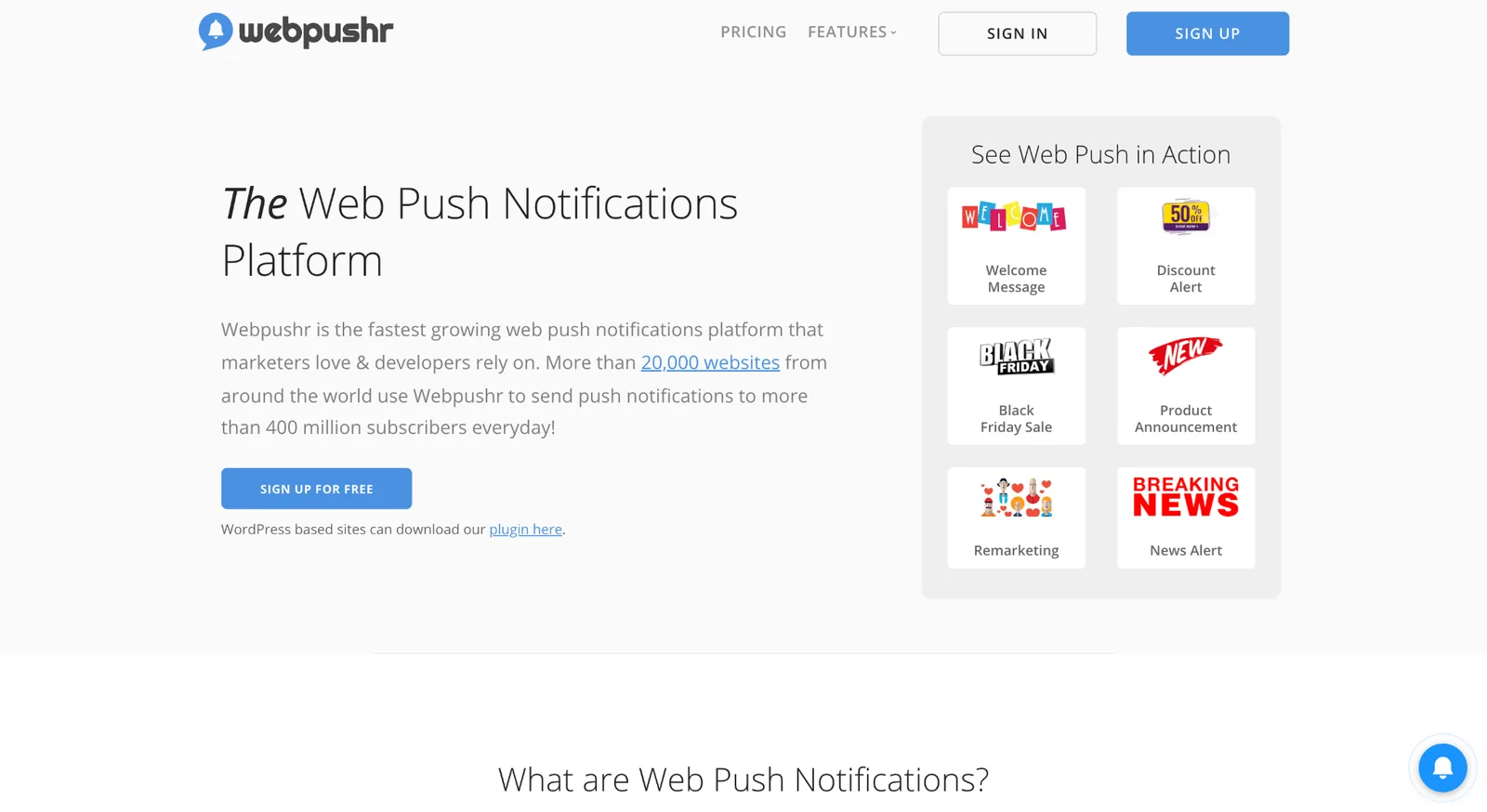
Webpushr specializes in browser push notifications and is particularly well suited to publishers, news websites and businesses with large subscriber bases. It offers audience segmentation, automated campaigns and reliable delivery designed for high-volume notification traffic.
Its dedicated focus allows it to provide a solid push notification experience without unnecessary complexity, making it a popular option for websites that rely heavily on recurring visitors.
However, Webpushr is much more specialized than multi-channel notification platforms. Businesses needing email, SMS, Slack or workflow automation will likely need complementary plugins.
6. Better Notifications for WP
- Best for: Email notifications
- Ideal website: Blogs and business websites
- Free version: ✅ Yes
- Starting price: Premium add-ons
- Notification types: Email
- WooCommerce: Partial
- Integrations: WordPress Core
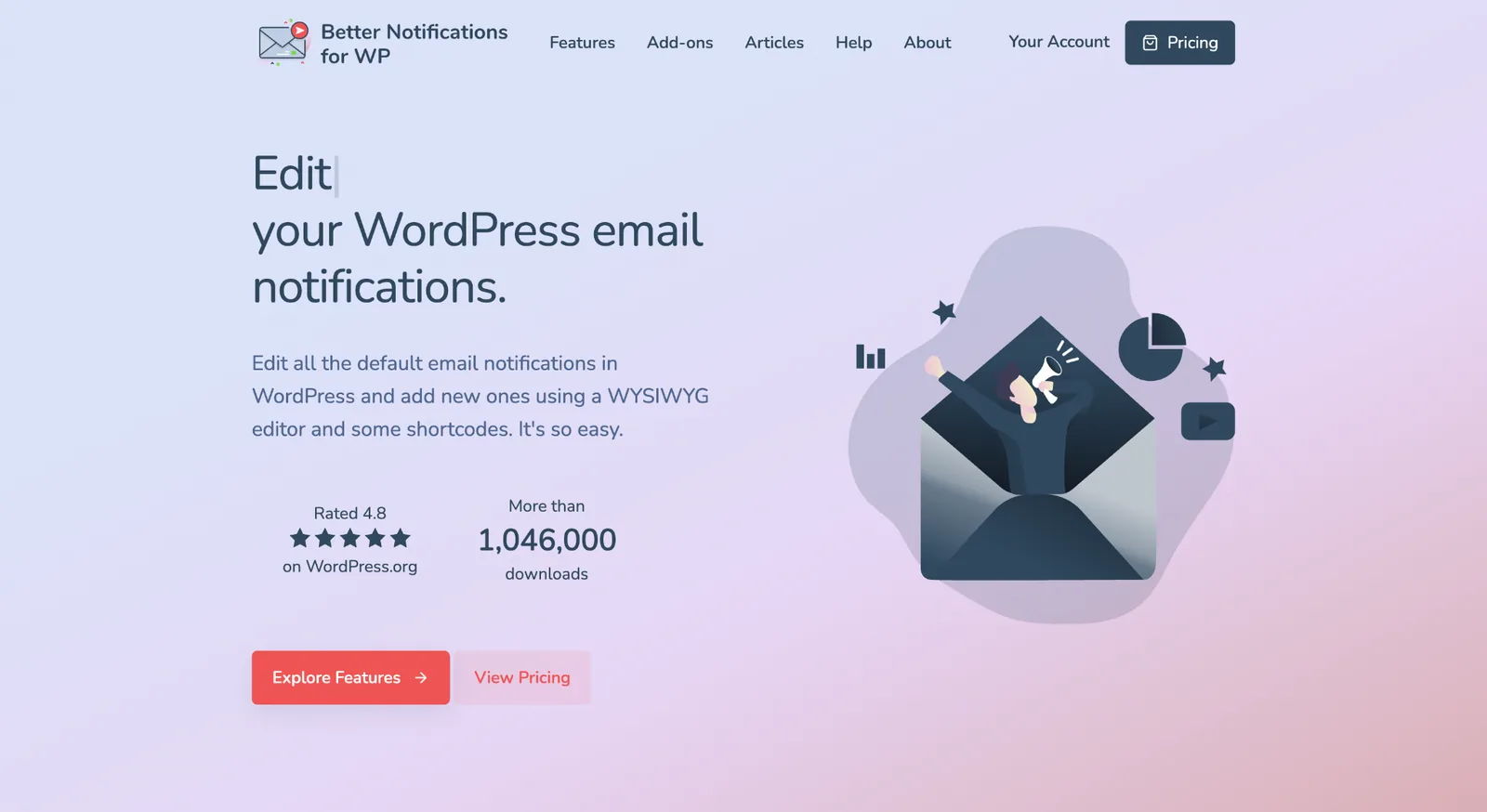
Better Notifications for WP enhances WordPress’ native email notification system by allowing administrators to create fully customized email templates for users, editors and administrators.
It’s particularly useful for websites that want greater control over default WordPress emails without implementing a complete marketing automation platform. The plugin supports custom notification rules and user roles while remaining relatively easy to configure.
Its main limitation is scope. Since it focuses almost entirely on email notifications, it lacks the broader communication channels and automation capabilities found in more comprehensive notification solutions.
7. AutomatorWP
- Best for: Workflow automation
- Ideal website: Membership sites, LMS platforms and advanced WordPress websites
- Free version: ✅ Yes
- Starting price: ~$149/year
- Notification types: Automated workflows
- WooCommerce: Via integrations
- Integrations: Hundreds of WordPress plugins
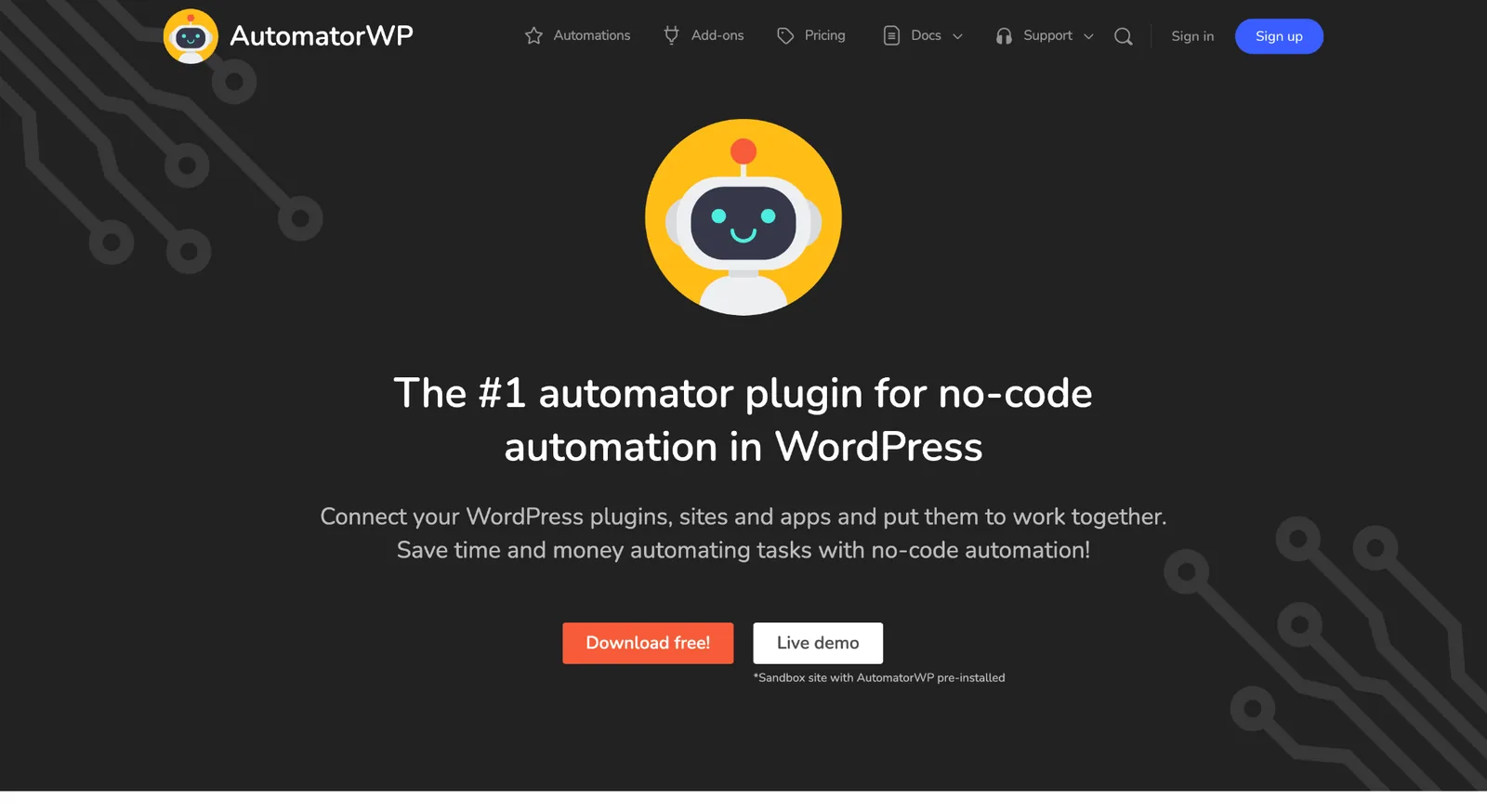
AutomatorWP is primarily an automation platform rather than a dedicated notification plugin. It allows WordPress plugins to communicate with one another by creating automated workflows based on triggers and actions.
For example, you can automatically enroll users in courses, assign memberships, trigger emails or update CRM records whenever a specific WordPress event occurs. Its extensive compatibility with hundreds of plugins makes it extremely flexible for advanced websites.
Although notifications are part of what AutomatorWP can automate, businesses specifically looking for multi-channel notification management may prefer a solution built around notifications first.
8. FluentCRM
- Best for: Email marketing automation
- Ideal website: WooCommerce stores, membership websites and online businesses
- Free version: ✅ Yes
- Starting price: ~$129/year
- Notification types: Email
- WooCommerce: ✅ Yes
- Integrations: WooCommerce, LMS plugins and form builders
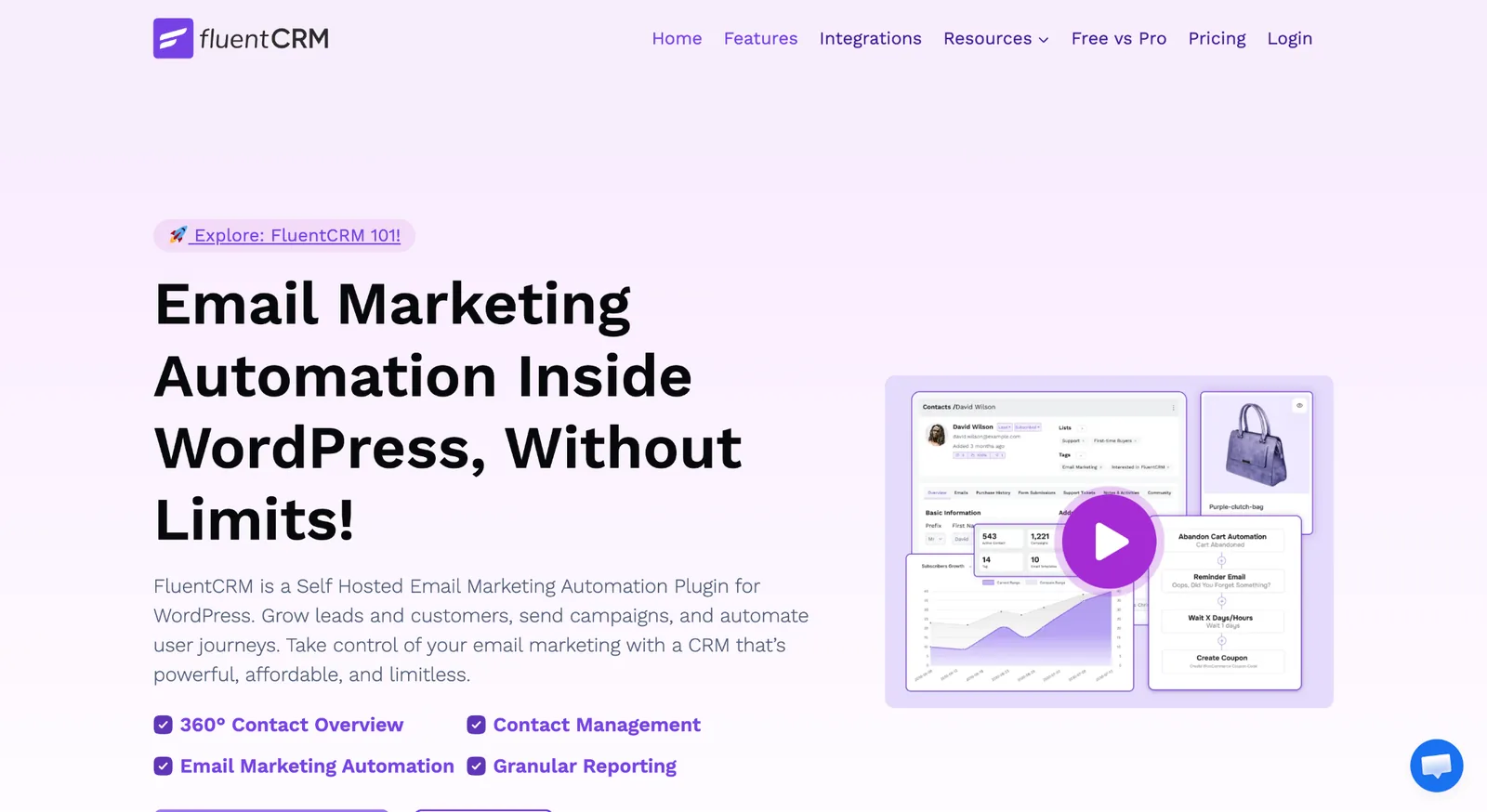
FluentCRM is an email marketing and CRM platform built directly into WordPress. It allows businesses to manage contacts, build automated email sequences and segment audiences without relying on external email marketing services.
WooCommerce integration makes it particularly attractive for online stores looking to automate post-purchase emails, abandoned cart sequences and customer lifecycle campaigns from within WordPress.
Although FluentCRM includes notification capabilities, its primary objective is customer relationship management and email automation rather than real-time operational notifications across multiple channels.
9. WPFront Notification Bar
- Best for: Site-wide announcement bars
- Ideal website: Business websites and landing pages
- Free version: ✅ Yes
- Starting price: ~$49/year
- Notification types: Notification Bar
- WooCommerce: ❌ No
- Integrations: Limited
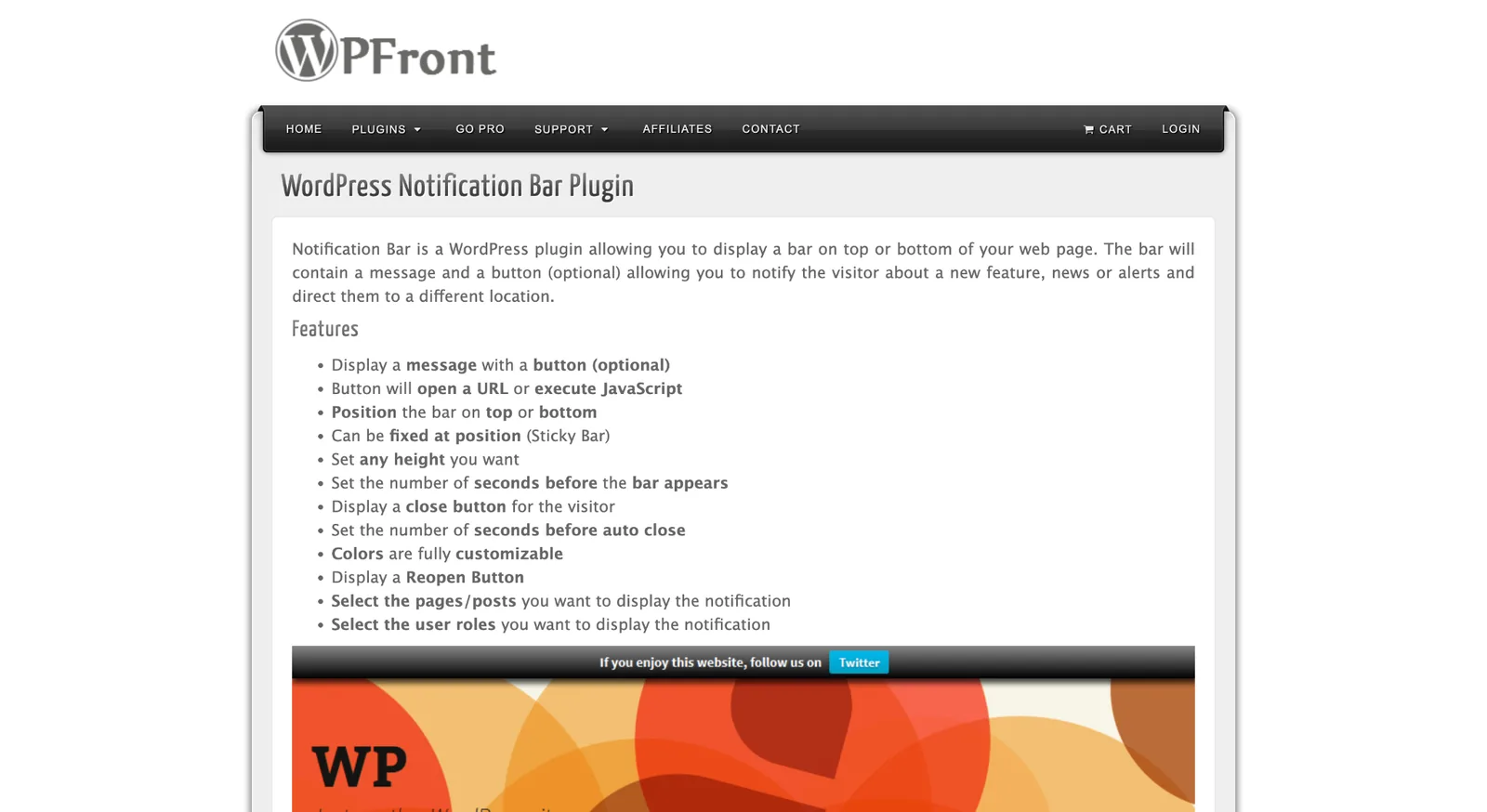
WPFront Notification Bar is a lightweight plugin dedicated to displaying announcement bars across your website. It’s commonly used for promotions, maintenance notices, important announcements and call-to-action banners.
Its simplicity is one of its biggest strengths. Users can quickly publish highly visible messages without configuring complex notification workflows or external integrations.
Because its functionality is intentionally limited, it isn’t designed for transactional notifications, automation or WooCommerce event management.
10. Easy Notification Bar
- Best for: Lightweight notification bars
- Ideal website: Small business websites, blogs and portfolio sites
- Free version: ✅ Yes
- Starting price: Free
- Notification types: Notification Bars
- WooCommerce: ❌ No
- Integrations: None
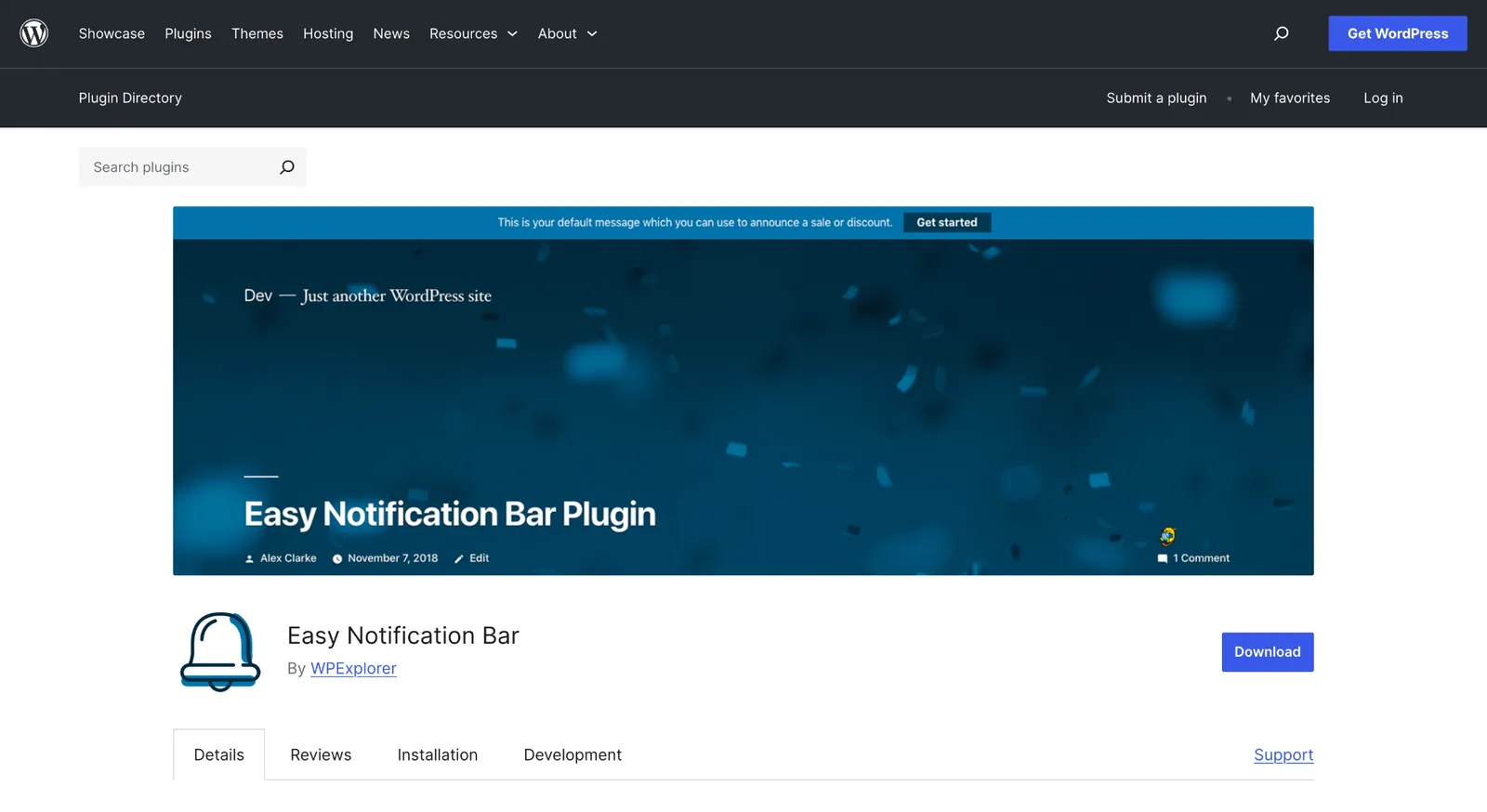
Easy Notification Bar is a lightweight plugin designed to display simple announcement bars at the top or bottom of your WordPress website. It allows you to quickly publish promotions, maintenance notices, important updates or calls to action without adding unnecessary complexity to your site.
Its straightforward interface makes it easy for beginners to create and customize notification bars in just a few clicks. For websites that only need to highlight occasional messages, it provides a fast and reliable solution with minimal configuration.
That said, Easy Notification Bar is intentionally limited to visual announcements. It doesn’t support real-time notifications, WooCommerce events, automation or third-party integrations, making it better suited for basic website messaging than comprehensive notification management.
How to Choose the Right WordPress Notification Plugin
The best WordPress notification plugin isn’t necessarily the one with the most features. It’s the one that matches how you want to communicate with your users, customers or team.
Some plugins are built for browser push marketing, others focus on email automation, social proof or workflow automation. If your goal is to centralize notifications across multiple channels, you’ll need a more comprehensive solution than a plugin designed for a single purpose.
The table below can help you quickly identify the best option for your needs.
| If you need… | Recommended Plugin |
|---|---|
| Complete notification platform | Notification Master |
| Browser push notifications | PushEngage or OneSignal |
| WooCommerce notifications | Notification Master |
| Slack or Discord alerts | Notification Master |
| WhatsApp notifications | Notification Master |
| SMS notifications | Notification Master |
| Social proof notifications | NotificationX |
| Workflow automation | AutomatorWP |
| Email automation | FluentCRM |
| Announcement bars | WPFront Notification Bar |
If you’re only looking for a single feature, such as browser push notifications or announcement bars, a specialized plugin may be all you need. These solutions are often simpler to configure and focus on doing one thing well.
However, if your website relies on multiple communication channels, using several plugins can quickly become difficult to manage. Separate tools for emails, push notifications, Slack alerts and WooCommerce updates often lead to duplicated settings, additional maintenance and compatibility issues.
That’s where an all-in-one solution like Notification Master stands out. By combining real-time notifications, WooCommerce support, automation and integrations with platforms like Slack, Discord, WhatsApp, Twilio and Zapier, it eliminates the need to stack multiple notification plugins while giving you much greater flexibility as your website grows.
If you’re unsure which notification plugin best fits your project, working with an experienced WordPress agency such as AmphiBee can help you evaluate your workflows, integrations and long-term scalability before adding new plugins to your website.
What Features Should You Look for in a Notification Plugin?
Not all notification plugins solve the same problems. Some are designed to send browser push notifications, while others focus on transactional emails, team alerts or workflow automation. Before choosing a plugin, it’s worth identifying the features that will actually support your website and your day-to-day operations.
Multiple Notification Channels
Modern websites rarely rely on a single communication channel. Depending on the situation, you may need to notify customers, administrators or internal teams using completely different methods.
The most common notification channels include:
- Email for transactional messages and customer communications.
- Browser push notifications to re-engage visitors and announce new content.
- SMS for urgent alerts that require immediate attention.
- WhatsApp for direct customer communication.
- Internal notifications through platforms like Slack or Discord to keep teams informed in real time.
Using several channels together creates a much more reliable notification strategy. For example, a WooCommerce order confirmation can be emailed to the customer while simultaneously sending a Slack notification to the sales team and an SMS alert for high-value purchases. Instead of managing several plugins, platforms like Notification Master centralize these workflows in one place.
Automation & Custom Triggers
A good notification plugin shouldn’t require manual actions every time something happens on your website. Instead, notifications should be triggered automatically whenever predefined events occur.
Common WordPress triggers include:
- New WooCommerce orders
- User registrations
- New comments
- Form submissions
- Published or updated posts
- Product changes
- Stock updates
- Custom post types and custom fields
More advanced plugins also support conditional notifications, allowing you to define exactly when a notification should be sent. For example, you could notify your sales team only when an order exceeds a certain amount or send a Slack message only when a specific form is submitted. This level of automation helps reduce unnecessary alerts while ensuring important events never go unnoticed.
WooCommerce Compatibility
For WooCommerce stores, real-time notifications can improve both operational efficiency and customer experience.
Instead of constantly checking the WordPress dashboard, store owners can receive instant alerts whenever important events occur, such as:
- New orders
- Order status changes
- Stock updates
- Product modifications
- Customer reviews
These notifications help teams react faster, whether it’s processing new orders, restocking products or responding to customer feedback. If your business depends on WooCommerce, choosing a plugin with dedicated WooCommerce triggers is usually a better long-term investment than relying on generic notification tools.
Third-Party Integrations
Notifications become much more valuable when they connect with the rest of your business tools.
Many modern plugins integrate with services such as:
- Slack
- Discord
- Zapier
- Make
- Twilio
- Webhooks
- Advanced Custom Fields (ACF)
These integrations allow WordPress events to automatically trigger actions in external applications. For example, a new order can create a Slack message, trigger an automation in Make, send an SMS through Twilio or pass data to another system using a webhook.
The fewer manual steps your team has to perform, the more efficient your workflows become.
Ease of Setup & Scalability
The best notification plugin isn’t always the one with the longest feature list. It should also be easy to configure today while remaining capable of supporting your website as it grows.
For small blogs or business websites, a simple interface and straightforward setup may be the top priority. Larger WooCommerce stores, agencies and enterprise websites often need advanced automation, multiple integrations and support for several websites or teams.
When comparing plugins, consider more than the initial setup. Look at the overall user experience, the quality of the documentation, the available support and whether the plugin can scale with your future needs. Choosing a solution that grows with your business will save time, reduce maintenance and help you avoid switching platforms later.
Final Verdict: Which Notification Plugin Should You Choose?
For most WordPress and WooCommerce websites, Notification Master is the strongest overall choice when the priority is running every channel — email, browser push, SMS, WhatsApp, Slack, Discord and webhooks — from one plugin, with WooCommerce triggers and conditional rules included.
The other tools remain better fits for specific needs: PushEngage and OneSignal for browser push marketing, Webpushr for high-volume publishing, NotificationX for social proof, AutomatorWP for cross-plugin workflow automation, FluentCRM for email marketing, and WPFront Notification Bar or Easy Notification Bar for simple announcement bars.
Want to test the all-in-one option?
Frequently Asked Questions on WordPress Notification Plugins
Which plugin is best for WooCommerce notifications?
For WooCommerce stores, Notification Master is one of the most complete solutions thanks to its dedicated WooCommerce triggers and multi-channel notification capabilities.
It can notify administrators or team members about new orders, stock updates, product changes and customer activity while also sending customer-facing notifications through email, browser push, SMS or WhatsApp. This makes it suitable for both operational workflows and customer communication.
Plugins like PushEngage can complement WooCommerce with marketing-focused browser push campaigns, but they don’t offer the same level of operational notification management.
Can WordPress send email notifications automatically?
Yes. WordPress includes basic email notifications out of the box for events like new user registrations, password resets and comment moderation.
However, these native emails offer limited customization and cover only a small number of events. Dedicated notification plugins allow you to create custom email templates, define advanced triggers, personalize recipients and combine email with other communication channels. This provides far greater flexibility for business websites and WooCommerce stores.
Can WordPress send WhatsApp or SMS notifications?
Yes, but not with WordPress alone.
Plugins such as Notification Master integrate with services like Twilio, allowing websites to send SMS and WhatsApp notifications automatically. This is particularly useful for WooCommerce order confirmations, appointment reminders, urgent customer notifications or internal business alerts.
Because SMS and WhatsApp typically have much higher visibility than email, they’re often used for time-sensitive communications where immediate delivery matters.
Are there free notification plugins for WordPress?
Yes. Every plugin featured in this comparison offers a free version or a free tier, making it easy to test different solutions before upgrading.
Free versions generally cover basic functionality such as browser push notifications, announcement bars or simple email notifications. Premium plans usually unlock advanced automation, additional integrations, conditional logic, WooCommerce features and higher usage limits.
For websites with more complex notification workflows, upgrading to a premium version quickly becomes worthwhile.
What’s the difference between browser push notifications and email notifications?
Although both deliver messages to users, they serve different purposes.
Browser push notifications are designed for immediate engagement. They appear directly in the user’s browser, making them ideal for breaking news, promotions, abandoned carts or new content announcements.
Email notifications are better suited for transactional communications such as order confirmations, account updates, invoices or longer customer communications that users may need to reference later.
For many businesses, the most effective strategy is to combine both channels rather than choosing one over the other.
Do notification plugins affect WordPress performance?
A well-built notification plugin has very little impact on website performance. Most notifications are triggered only when specific events occur, such as a new order or a published post.
Performance issues usually appear when websites accumulate too many plugins, make excessive API requests or rely on poorly optimized extensions. Choosing a reliable plugin, keeping it updated and removing unnecessary plugins are the best ways to maintain a fast WordPress website.
If your site depends on multiple communication channels, using one comprehensive notification platform is often more efficient than installing several specialized plugins that duplicate functionality and increase maintenance overhead.